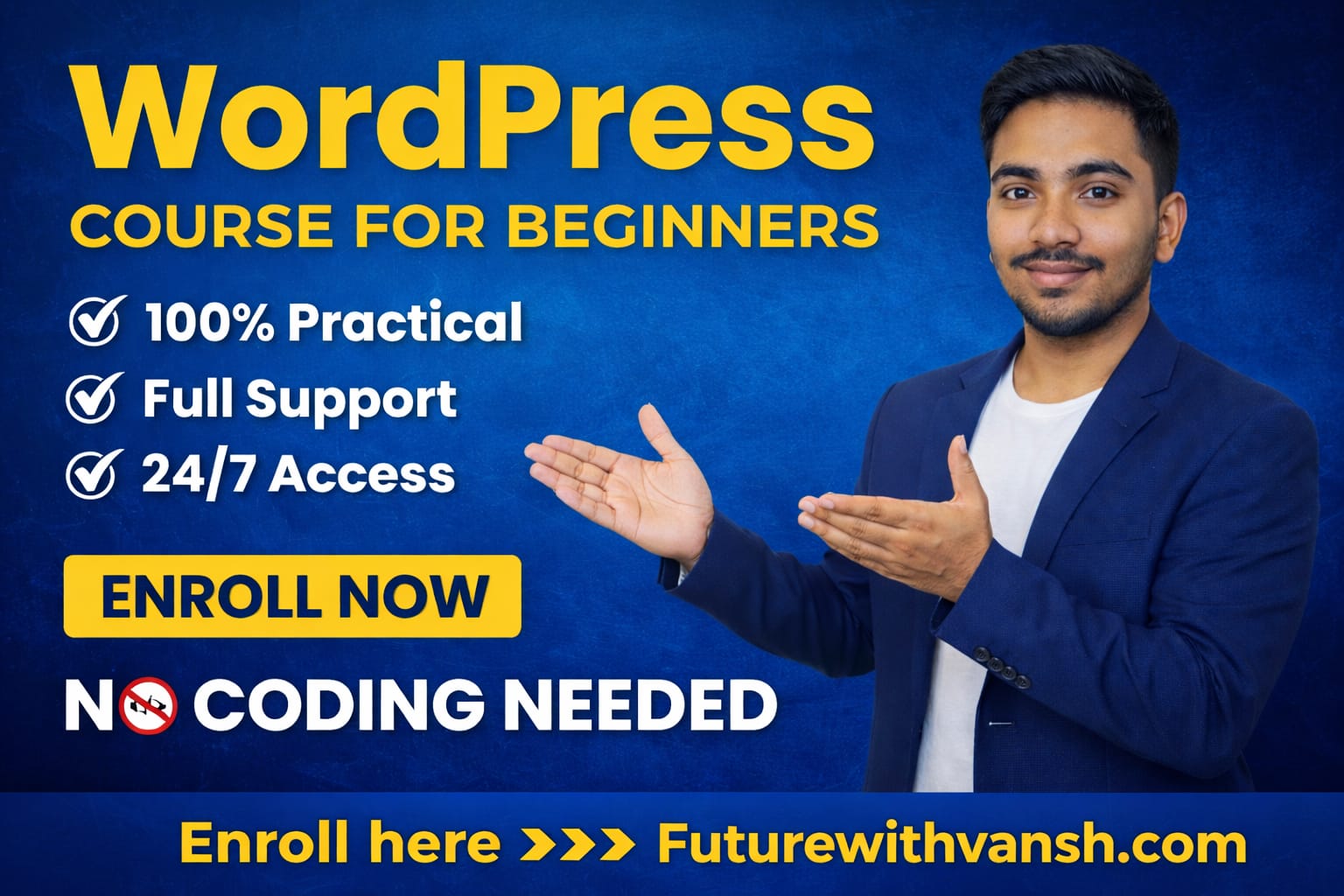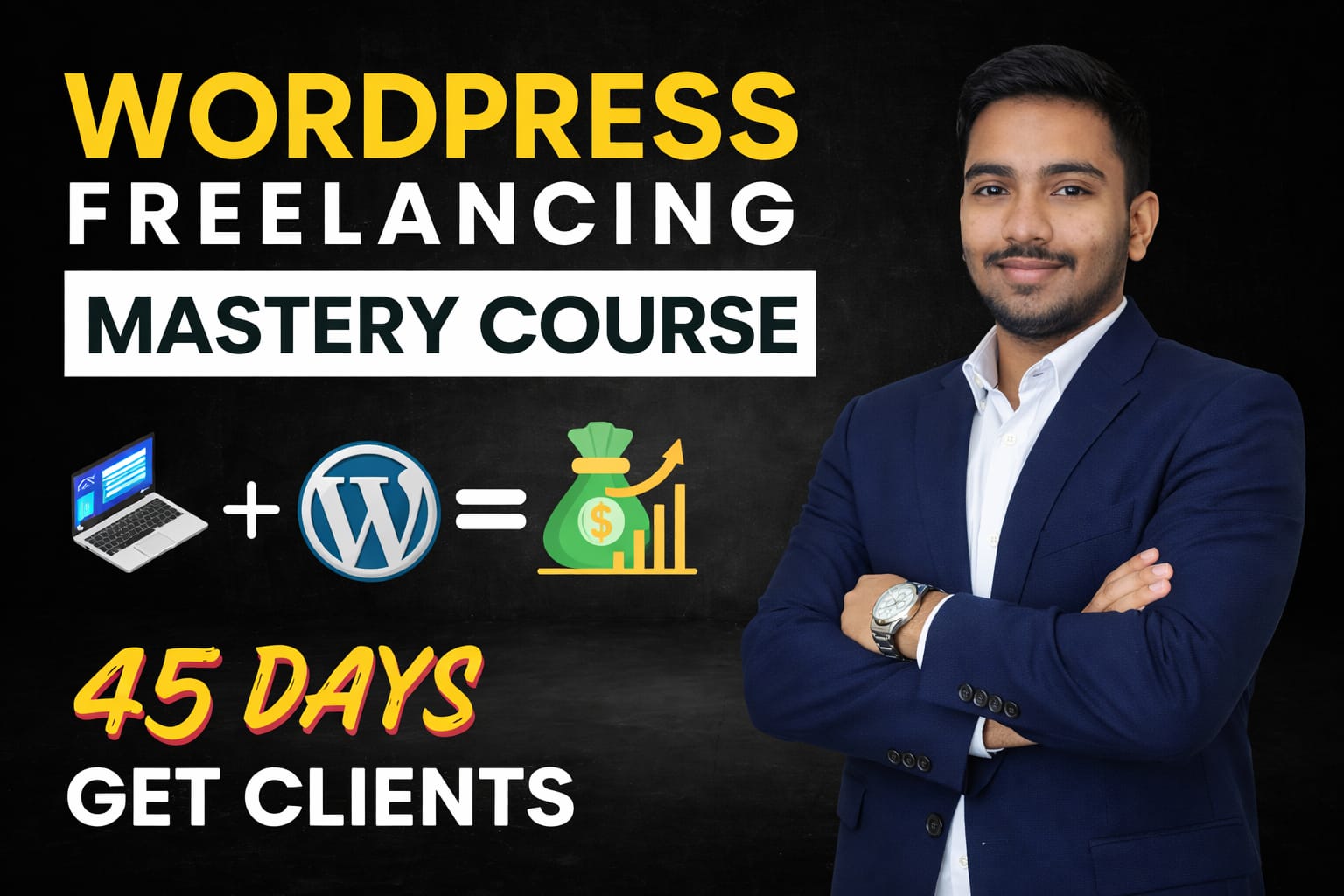
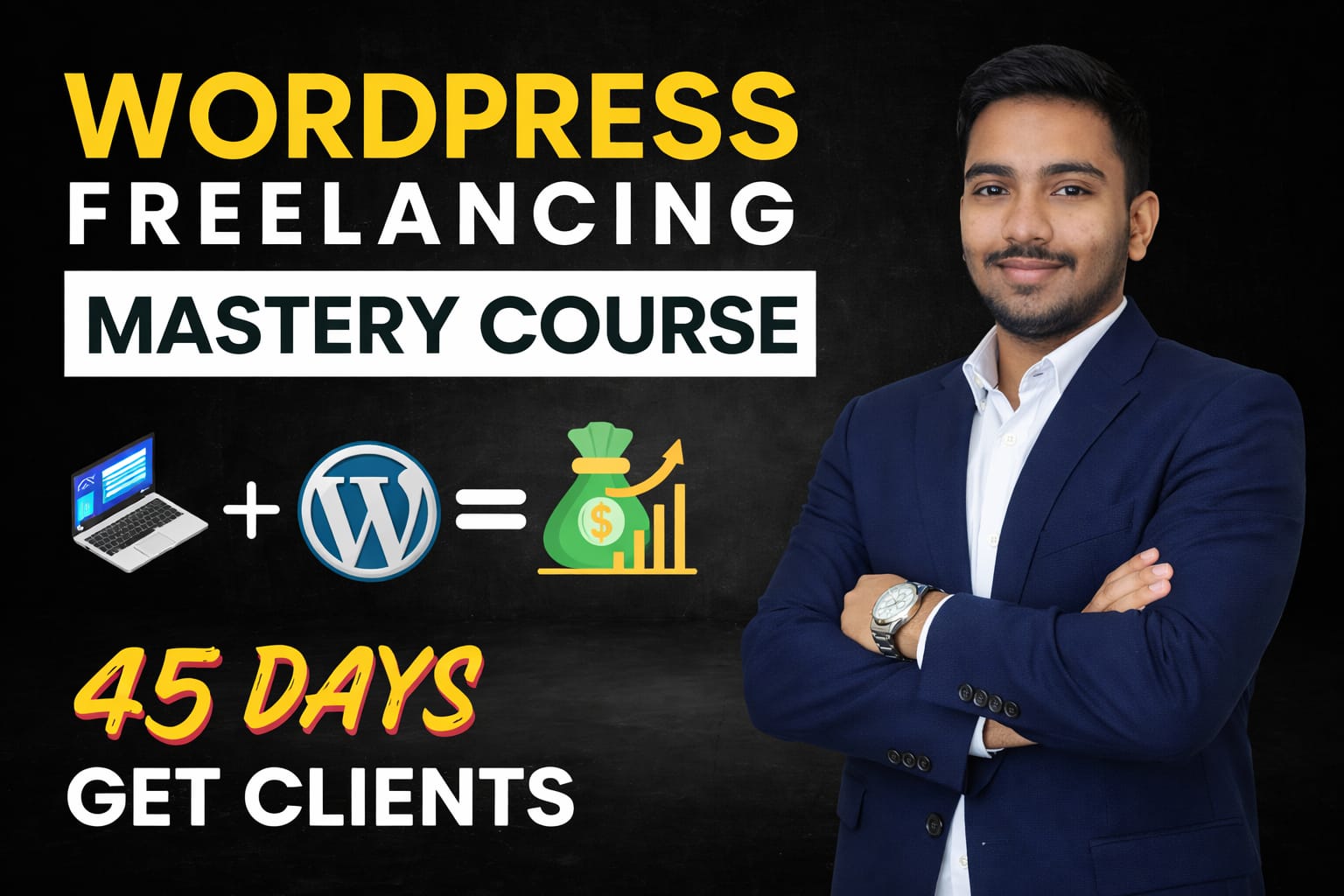
- #1 WordPress Freelancing Course
Master WordPress
Freelancing & Build
Your Empire
Transform from beginner to expert WordPress freelancer with our comprehensive course. Learn advanced techniques, client acquisition, and build a sustainable ₹50,000+/month business.
- 9,883+ Students
- 110+ Lectures
- Certificate
98%
Success rate
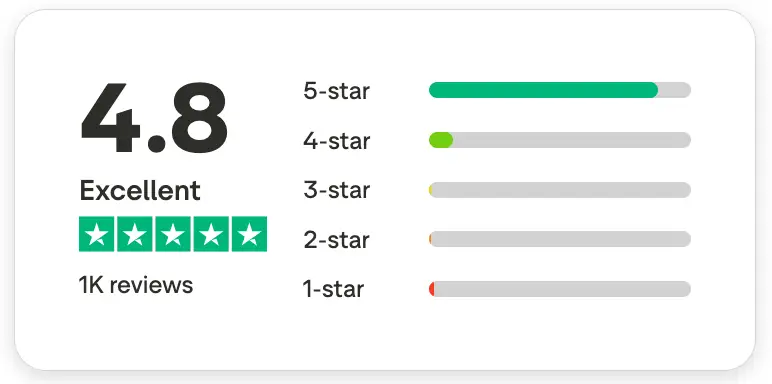
4.8/5
Student ratings
Future With Vansh and his online courses are featured in


Course Curriculum
110+ video lectures across 21 comprehensive modules covering everything from
WordPress basics to advanced freelancing business development
Module #1 - Introduction to Websites and WordPress
- Lecture 1: What is a Website and Why do people spend thousands on it?
- Lecture 2: What is WordPress and Why do we use WordPress for building websites?
- Lecture 3: What are the requirements to build a website and how does it work actually?
Module #2 - Setting Up Your Development Environment
- Lecture 4: How to buy a free domain with web hosting
- Lecture 5: How to get a free domain and install WordPress
- Lecture 5.1: Which domain should we take for our website .com or .in
Module #3 - Customizing Your WordPress Site
- Lecture 6: What are WordPress themes and how to install them?
- Lecture 7: What are WordPress plugins and how to install and activate them
- Lecture 8: How to create a menu on a webpage
- Lecture 9: How to complete the basic WordPress settings
Module #4 - Designing Your Site
- Lecture 10: Understanding Containers and Heading Element with its all settings
- Lecture 10.1: Understanding Elementor’s New Interface
- Lecture 11: Creating Real Heading, Image and Button Element
- Lecture 12: Understanding Imagebox and container hover effect
- Lecture 13: Duplicating and Copying/Pasting Elements
- Lecture 14: Finding Background Color using Inspect Tool
- Lecture 15: Creating the Testimonials Section
Module #5 - Building Key Pages
- Lecture 16: Creating content on About us page
- Lecture 17: Creating content on Services page
- Lecture 18: Creating content on Contact Page: Contact Form
- Lecture 19: Creating content on Contact Page: Contact Info with Icons
- Lecture 20: Creating content on Contact Page: Google Maps Embedding
Module #6 - Blogging with WordPress
- Lecture 21: Writing a Blog post and displaying on the Blog Page
Module #7 - Finalizing Your Site Design
- Lecture 21: Design a logo without Photoshop and set it in the header
- Lecture 22: How to Set up the Footer
Module #8 - Essential Elements
- Lecture 23: Animating the Elements
- Lecture 24: Creating a Banner Slider
- Lecture 25: Creating a FAQ Section using Tabs and Accordion
- Lecture 26: Preparing the Portfolio Page
Module #9 - Shifting Website from Local Server to Live Server
- Lecture 27: Buying a Live Web Hosting Server
- Lecture 28: Getting a Domain Name and Installing WordPress on it, Backup and Restoration
Module #10 - Advanced Features with Elementor Pro
- Lecture 29: Installing the Elementor Pro Premium Plugin & Exploring it’s features, Shaped Divider, etc.
- Lecture 30: Import Header and Footer from Elementor Pro Templates
Module #11 - Additional Features and Maintenance
- Lecture 31: How to create business emails
- Lecture 32: Create Portfolio sites on Sub-Domains
- Lecture 33: How to buy a new domain and make website on it in Hostinger
Module #12 - What is Artificial Intelligence (AI) and how can we use it?
- Lecture 34: How to earn lakhs by creating a website from A
- Lecture 35: Manage your online business with AI
- Lecture 36: What is an AI chatbot on a website and how to use it
- Lecture 37: Create an AI website in 5 minutes
Module #13 - How to take payments on the website
- Lecture 38: What is a payment gateway and how to use it
- Lecture 39: What documents are required for payment gateway?
- Lecture 40 How to get approval for Razorpay payment gateway
Module #14 - Complete the course and get a gift
- Lecture 41 Master WordPress Freelancing & Build Your Empire
Module #15 - Professional Practices: Earning with WordPress
- Lecture 42 Set up a Web Design Agency: Documentation, and Business Setup and Website delivery to client
- Lecture 43 What is Freelancing and How to Get Clients?
Module #16 - Playing with the Shortcodes
- Lecture 1: What is a Website and Why do people spend thousands on it?
- Lecture 2: What is WordPress and Why do we use WordPress for building websites?
- Lecture 3: What are the requirements to build a website and how does it work actually?
Module #17 - Designing the eCommerce Store
- Lecture 1: What is a Website and Why do people spend thousands on it?
- Lecture 2: What is WordPress and Why do we use WordPress for building websites?
- Lecture 3: What are the requirements to build a website and how does it work actually?
Module #18 - Digital Products
- Lecture 1: What is a Website and Why do people spend thousands on it?
- Lecture 2: What is WordPress and Why do we use WordPress for building websites?
- Lecture 3: What are the requirements to build a website and how does it work actually?
Module #19 - How to Boost eCommerce Sales
- Lecture 1: What is a Website and Why do people spend thousands on it?
- Lecture 2: What is WordPress and Why do we use WordPress for building websites?
- Lecture 3: What are the requirements to build a website and how does it work actually?
Module #20 - Custom Fields on product Page
- Lecture 1: What is a Website and Why do people spend thousands on it?
- Lecture 2: What is WordPress and Why do we use WordPress for building websites?
- Lecture 3: What are the requirements to build a website and how does it work actually?
Module #21 - Work As a Freelancer
- Lecture 1: What is a Website and Why do people spend thousands on it?
- Lecture 2: What is WordPress and Why do we use WordPress for building websites?
- Lecture 3: What are the requirements to build a website and how does it work actually?
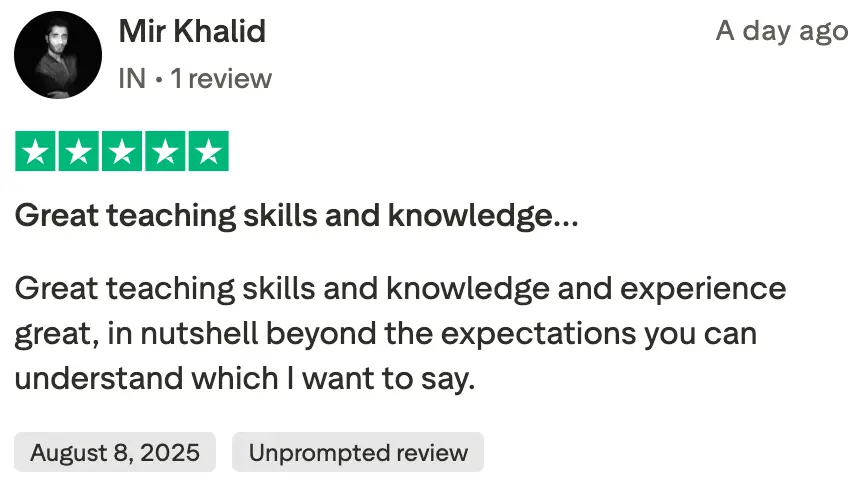
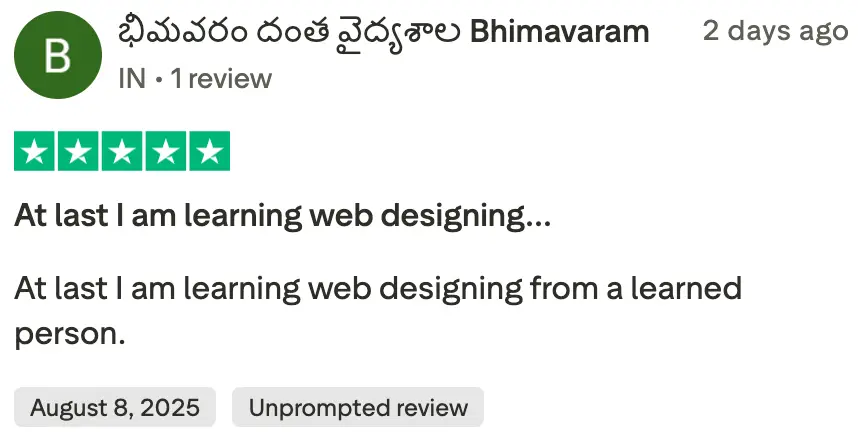
Why Choose WordPress Freelancing Mastery?
Our comprehensive course is designed to take you from zero to hero in
WordPress freelancing, with proven strategies that work in today’s market.

Launch Your Career Fast
Get your first WordPress client within 30 days using our proven client acquisition strategies and portfolio building techniques.

Launch Your Career Fast
Get your first WordPress client within 30 days using our proven client acquisition strategies and portfolio building techniques.

Launch Your Career Fast
Get your first WordPress client within 30 days using our proven client acquisition strategies and portfolio building techniques.

Advanced Technical Skills
Master custom themes, plugins, WooCommerce, performance optimization, and security best practices that clients pay premium for.

Client Relationship Mastery
Learn the psychology of client communication, project management, and how to turn one-time clients into long-term partners.

Scale to Agency Level
Graduate from solo freelancer to agency owner. Learn team building, project delegation, and systematic business growth.

Meet Your Instructor
I’ve helped businesses, startups, and individuals build powerful websites — including business sites, e-commerce stores, LMS platforms, and custom WordPress solutions. Website development, and online earning skills through my guidance, training, and practical systems.
Now, my mission is simple —
to help you learn WordPress the right way, build real projects, gain confidence, and start earning online with practical strategies, real templates, and proven workflows that actually work in the real world.
Transform Your Career Today
Investment in your future that pays for itself with your first client
WordPress Freelancing Mastery Course
₹499 , ₹199/
+ 18% GST
- 45+ Video Lectures across 15 Modules
- WordPress Development for Complete Beginners
- Themes & Plugin Installation
- WordPress troubleshooting
- 24/7 Access
- Free Support
- Lifetime Website Backup & Restore Tool
Limited Time Bonus
Get ₹10,000 worth of premium plugin FREE!
Frequently Asked Questions
Everything you need to know about the course
Is this course best for beginners?
All the information about WordPress is in the course.
WordPress course is available in which language?
WordPress course is taught in Hindi language so that people living in India can also read and understand it easily.
What happens if I miss a lecture?
No worries! All lectures are recorded and can be accessed anytime during the course period.
What if I encounter technical issues during the course?
We have a dedicated support team to assist you with any technical difficulties. You can reach out to us via email or WhatsApp.
Support Timings(IST):
Monday to Friday (10 AM – 4 PM)
Who is this course for?
This course is for beginners, students, freelancers, business owners, and anyone who wants to learn WordPress from scratch and start earning online.
Do I need any technical knowledge before joining?
No. This course is 100% beginner-friendly. Everything is explained step-by-step in simple language.
Will I get lifetime access to the course?
Yes, you will get lifetime access, including future updates at no extra cost.
Related Courses
A few more courses that you should check out